Press & partners

Brand assets

Logos, posters, and a short deck you can download and use. Same mark and colour as the live site.

Public URLs stay stable. Hotlink the SVG if you need the mark in a page.

The S

Mark

The dual-arc S is the icon. Use it for favicons, avatars, and app tiles. Keep the ember gradient unless you need a one-colour cut.

Mark · colour

salesplix-mark.svg

Mark · colour

SVG · any size

Download
Mark · black

salesplix-mark-black.svg

Mark · black

SVG · one colour

Download
Mark · white

salesplix-mark-white.svg

Mark · white

SVG · one colour

Download
Mark · 1024 px

salesplix-mark-1024.png

Mark · 1024 px

PNG · transparent

Download
Mark · 512 px

salesplix-mark-512.png

Mark · 512 px

PNG · transparent

Download
Mark · 256 px

salesplix-mark-256.png

Mark · 256 px

PNG · transparent

Download
Apple touch icon

apple-touch-icon.png

Apple touch icon

PNG · 180 px

Download

The name

Wordmark

The S and the name as one lockup. This is what sits in the header. Don’t redraw the letters.

Wordmark · colour

salesplix-wordmark.svg

Wordmark · colour

SVG · any size

Download
Wordmark · black

salesplix-wordmark-black.svg

Wordmark · black

SVG · one colour

Download
Wordmark · white

salesplix-wordmark-white.svg

Wordmark · white

SVG · one colour

Download
Wordmark · 2400 px

salesplix-wordmark-2400.png

Wordmark · 2400 px

PNG · transparent

Download
On paper

wordmark-on-cream.png

On paper

PNG · 1600 × 500

Download
On ink

wordmark-on-ink.png

On ink

PNG · 1600 × 500

Download

Campaign

Marketing posters

Print-ready PNG plus an SVG for each. Use them in ads, booths, WhatsApp status, and LinkedIn.

Turn every lead into a chance to win

turn-every-lead.png

Turn every lead into a chance to win

PNG · 1080 × 1350 · also SVG

Download
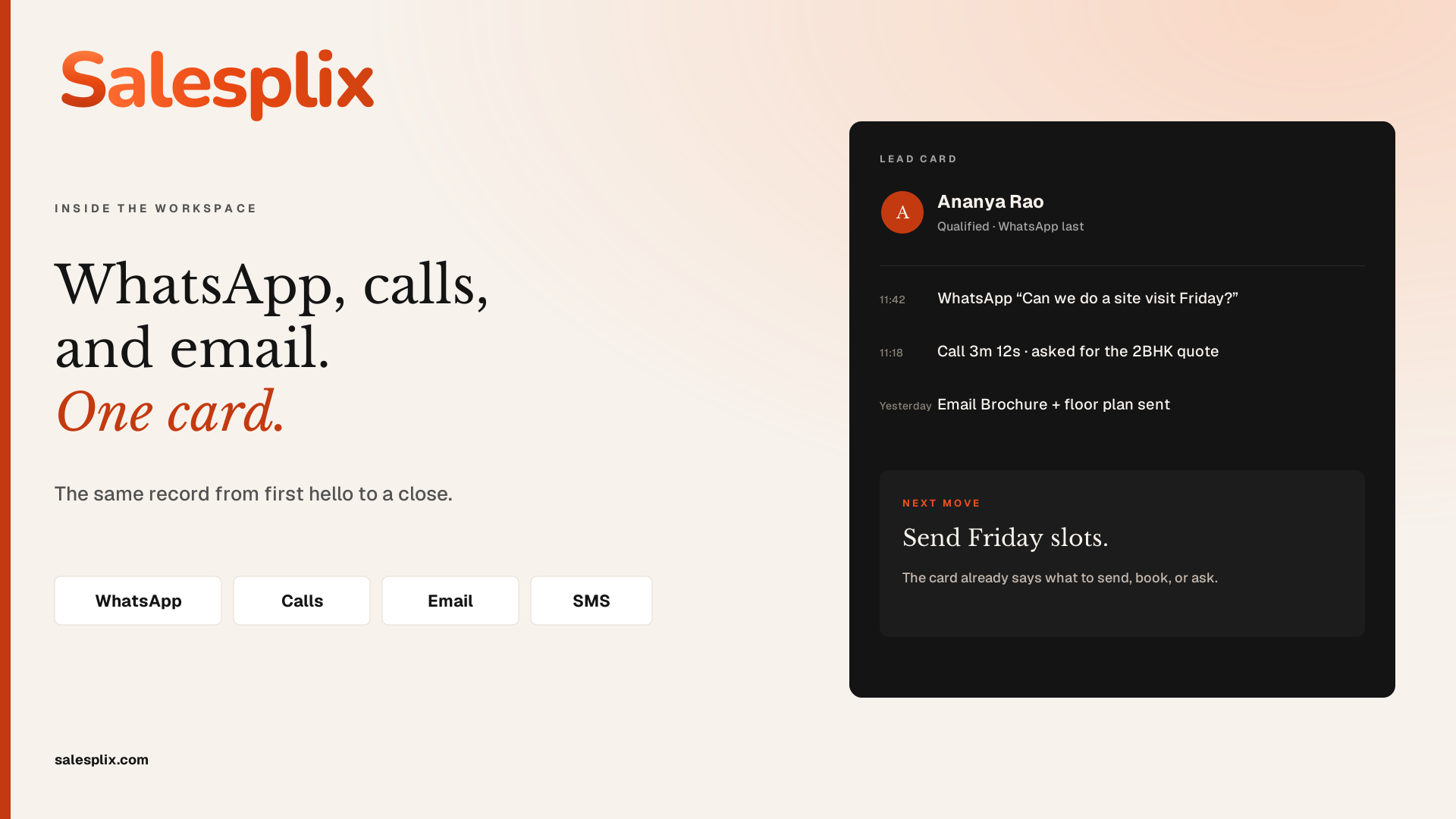
WhatsApp, calls, and email. One card.

one-card.png

WhatsApp, calls, and email. One card.

PNG · 1920 × 1080 · also SVG

Download
First reach-out in under 30s

thirty-seconds.png

First reach-out in under 30s

PNG · 1080 × 1080 · also SVG

Download
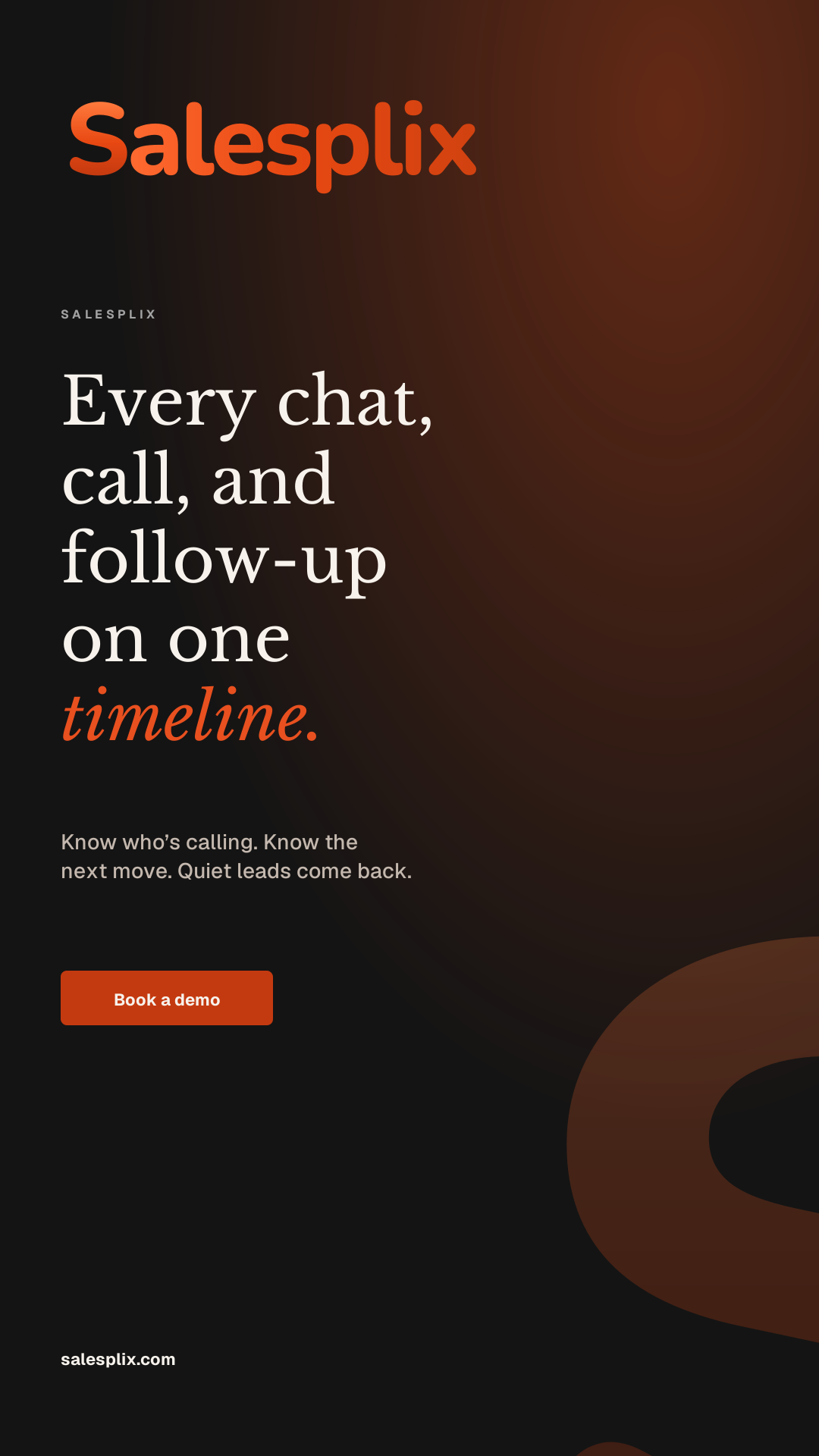
Every chat on one timeline

timeline-story.png

Every chat on one timeline

PNG · 1080 × 1920 · story

Download
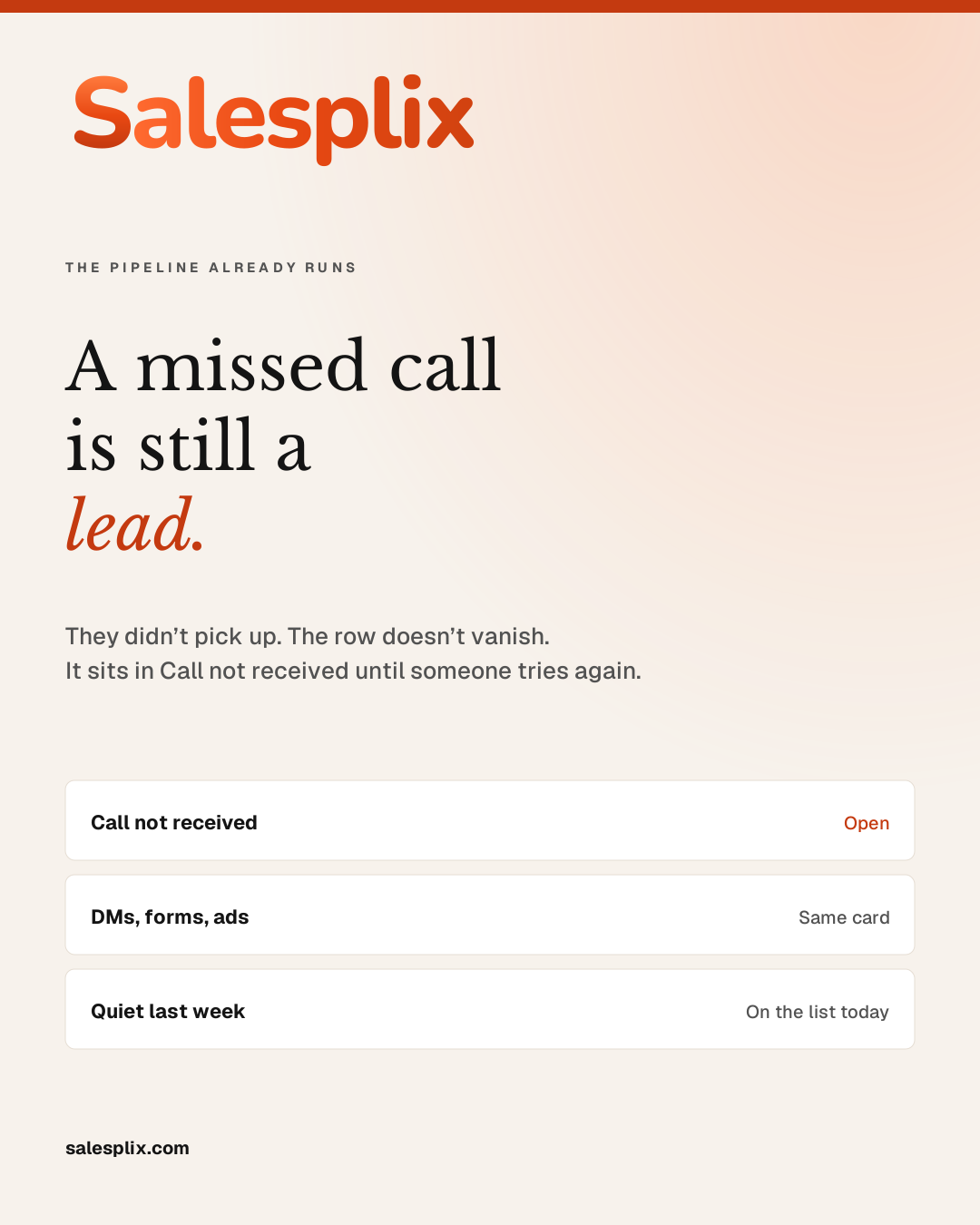
A missed call is still a lead

missed-call.png

A missed call is still a lead

PNG · 1080 × 1350 · also SVG

Download
Book a demo

book-a-demo.png

Book a demo

PNG · 1920 × 1080 · also SVG

Download
LinkedIn cover

linkedin-cover.png

LinkedIn cover

PNG · 1584 × 396

Download
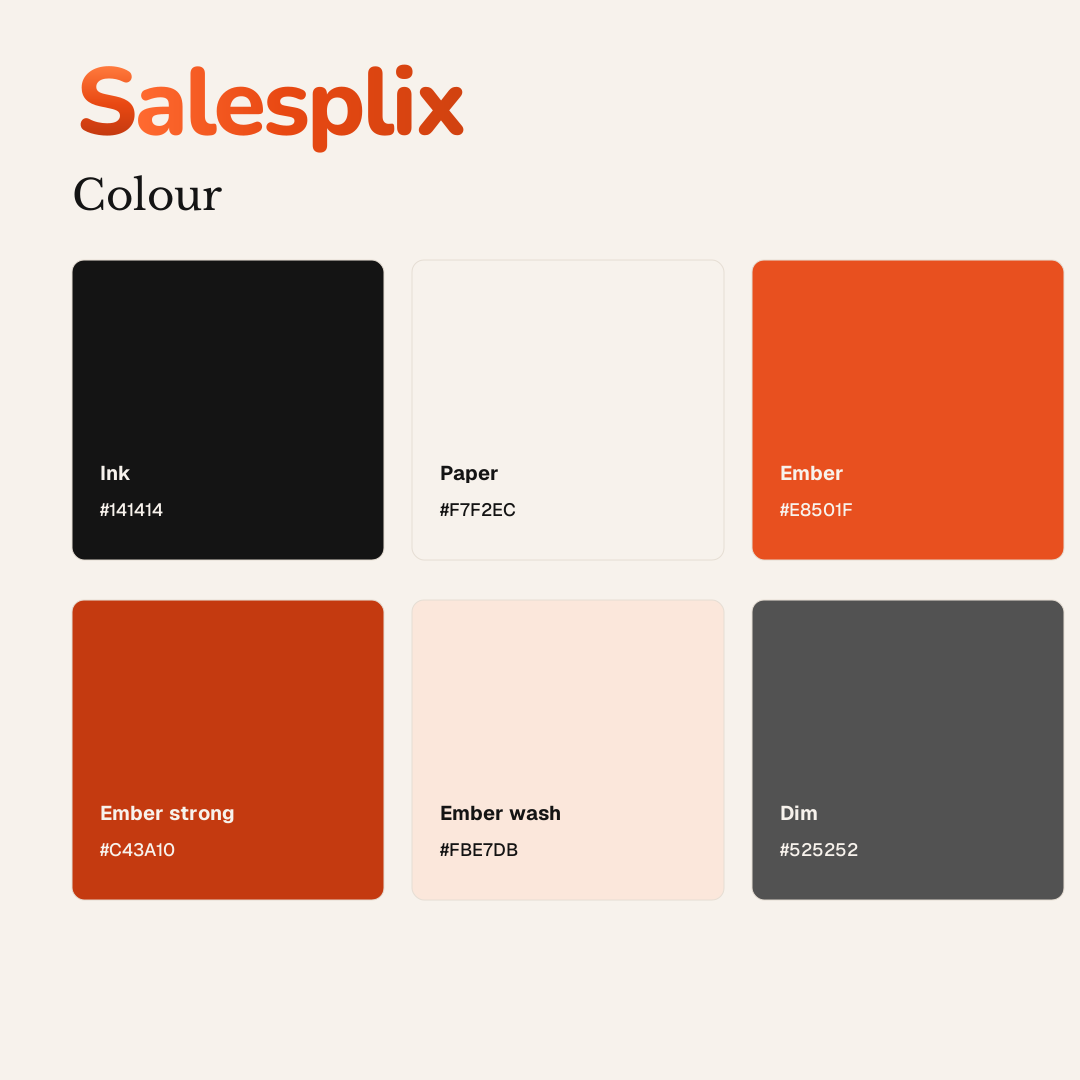
Colour sheet

colour.png

Colour sheet

PNG · 1080 × 1080

Download

Matching SVGs live next to each PNG, same filename with .svg. Example: /brand/posters/turn-every-lead.svg

Deck

Overview slides

Eight widescreen slides: the floor, the product, the pipeline, plans, who uses it, and a demo close. Edit in PowerPoint or Keynote.

salesplix-overview.pptx

Salesplix overview

  1. Title — Turn every lead into a chance to win
  2. The floor today
  3. One card
  4. How the pipeline actually works
  5. What you open every morning
  6. Published plans
  7. Who sells on it
  8. Book a demo
Download slides

Tokens

Colour

The same six values as the website. Ember is the only accent. Don’t introduce a second brand colour.

Ink

#141414

Fields, type, dark posters

Paper

#F7F2EC

Page background

Ember

#E8501F

Accent word, rules

Ember strong

#C43A10

Buttons, solid fills

Ember wash

#FBE7DB

Tints and chips

Dim

#525252

Secondary copy

Display type on the site is Georgia. Body is Geist. Posters use Libre Baskerville with Geist.

Profiles

Avatars & share image

Square marks for WhatsApp, LinkedIn, and app stores. The 1200 × 630 image is the Open Graph card.

Avatar · paper

avatar-cream.png

Avatar · paper

PNG · 1024 × 1024

Download
Avatar · ink

avatar-ink.png

Avatar · ink

PNG · 1024 × 1024

Download
Avatar · ember

avatar-ember.png

Avatar · ember

PNG · 1024 × 1024

Download
Open Graph / Twitter

og-1200x630.png

Open Graph / Twitter

PNG · 1200 × 630

Download
Open Graph SVG

og-1200x630.svg

Open Graph SVG

SVG · 1200 × 630

Download
LinkedIn cover

linkedin-cover.png

LinkedIn cover

PNG · 1584 × 396

Download

House rules

How to use the mark

Do

  • Use the colour mark on ink or paper.
  • Use white or black when the background isn’t one of the brand fields.
  • Keep clear space around the S — at least the width of the inner gap.
  • Link back to salesplix.com when the mark sits in a partner page.

Don’t

  • Don’t redraw the letters or swap the type.
  • Don’t recolor the ember gradient to blue, gold, or a seasonal tint.
  • Don’t add drop shadows, outlines, or 3D bevels.
  • Don’t place the mark on a busy photograph without a paper or ink field behind it.

Ready to start closing?

Set up a short call and see the workspace on your own leads.

Same calendar the product team uses. Checkout is on crm.astrosia.com.